Design Studio

Need Design Help?
For the best experience, please ensure your browser is set to 100% Zoom/Actual Size (Ctrl + 0 on Windows or ⌘ + 0 on Mac).
For the best experience, please rotate your device.
Getting Started

Select from the following to begin customizing your product:

Sign in to view your saved uploads or start a quote.

Use this form to share your design with colleagues and friends.

Upload
Compatible file formats: SVG, PDF, EPS, PNG, JPG, GIF
Maximum file size: 200 MB
Maximum dimensions: 2,000 x 2,000 px
By uploading your artwork you agree to our image upload terms and acknowledge that you have full legal rights to use the images you upload. Your uploaded artwork is safe, secure, and remains your property.
Edit Art
Change Colors
Rotation
°
Change Art
Reset Colors To Original
Colors
Original Colors
Number of Colors in Original
Edit Color
Color to Change
Colors
Add Text
Edit Text
Change Font
Color
Text Size
Text Alignment
Rotation
°
Change Font
Add Stock Art

Search, choose from your saved stock art, or browse through our gallery.

Edit Art
Colors
Rotation
°
Change Art
Product Color
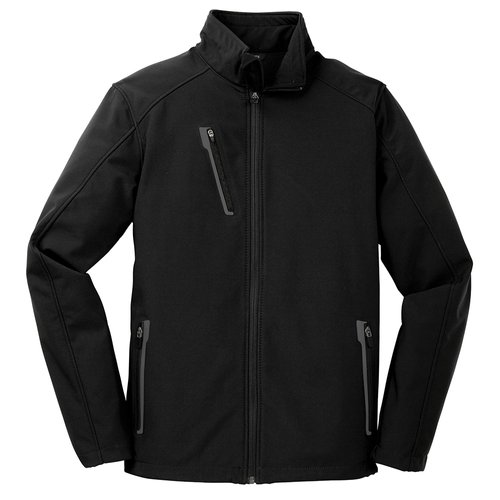
BLACK
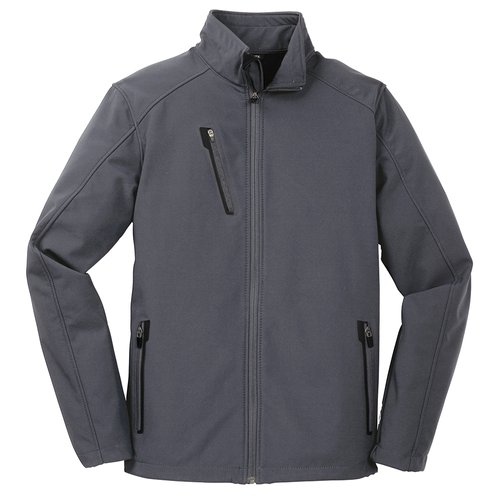
BATTLESHIP GREY
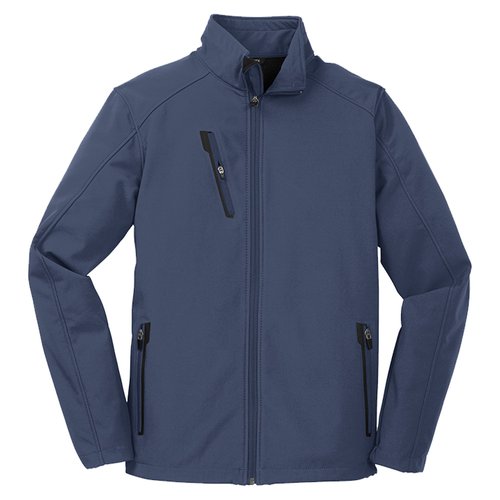
DRESS BLUE NAVY
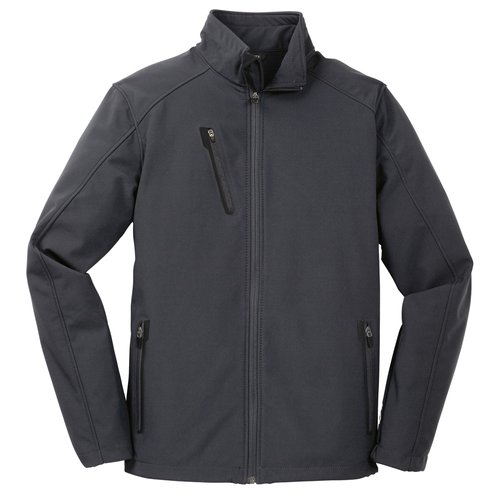
DEEP SMOKE
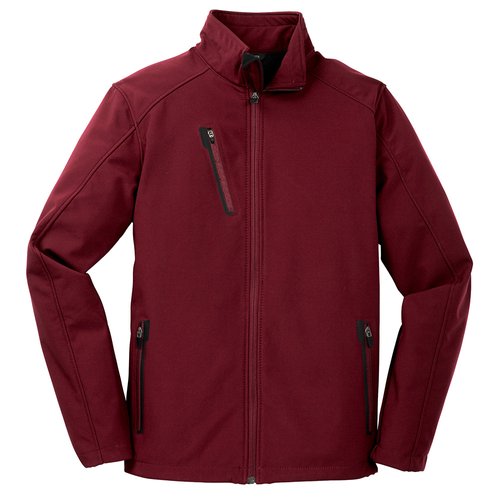
GARNET
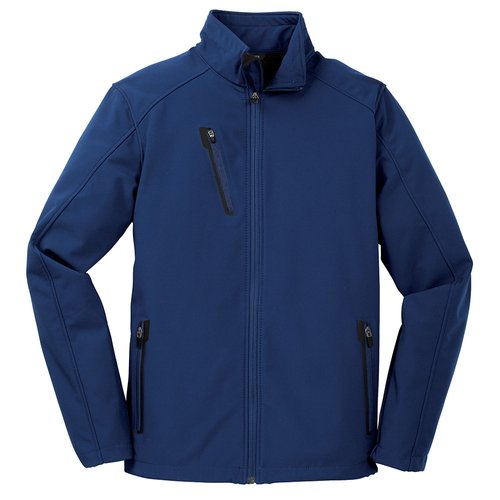
ESTATE BLUE

Generate Images (Beta)

Use our AI image generator to create stunning logos and designs.

Describe what you want to create...
0 of 24 AI credits (per 24 hours)
By generating artwork you agree to our image creation terms and conditions. Your generated artwork is safe and secure.
Notes
Leave a note for our production team—it will be reviewed when we receive your order. Use this field to provide special artwork instructions or request Pantone color matching codes (PMS).
Design Tips

Unlock the full experience by logging in. Preserve your unique designs and uploaded artwork while exploring endless possibilities. Add your personal touch with custom text or choose from our extensive collections of stock logos for Professions, Animals, Mascots, Events, Symbols and more.

Keyboard Shortcuts
Action
Windows
macOS
Delete Object
Delete / Backspace or D
Zoom Out
Ctrl -
⌘ -
Zoom In
Ctrl +
⌘ +
Bring To Front
Ctrl-]
⌘-]
Send To Back
Ctrl-[
⌘-[
Undo
Ctrl-Z
⌘-Z
Redo
Ctrl-Shift-Z
⌘-Shift-Z
Copy Object
Ctrl-C
⌘-C
Paste Object
Ctrl-V
⌘-V
Nudge Object Up
Up Arrow
Up Arrow
Nudge Object Down
Down Arrow
Down Arrow
Nudge Object Left
Left Arrow
Left Arrow
Nudge Object Right
Right Arrow
Right Arrow